Find sport near you: coaching, courts, events and memberships
Find coaches, classes, courts, venues, events and memberships near you, on a list or a map. Book and pay by card, split it with friends, and keep your tickets.
Swimming lessons for your child, a padel court for Saturday, a gala to enter, a club to join: find what's on near you, then book and pay in one place. Searching is free, and you don't need an account. Here's how.
1. Search near you
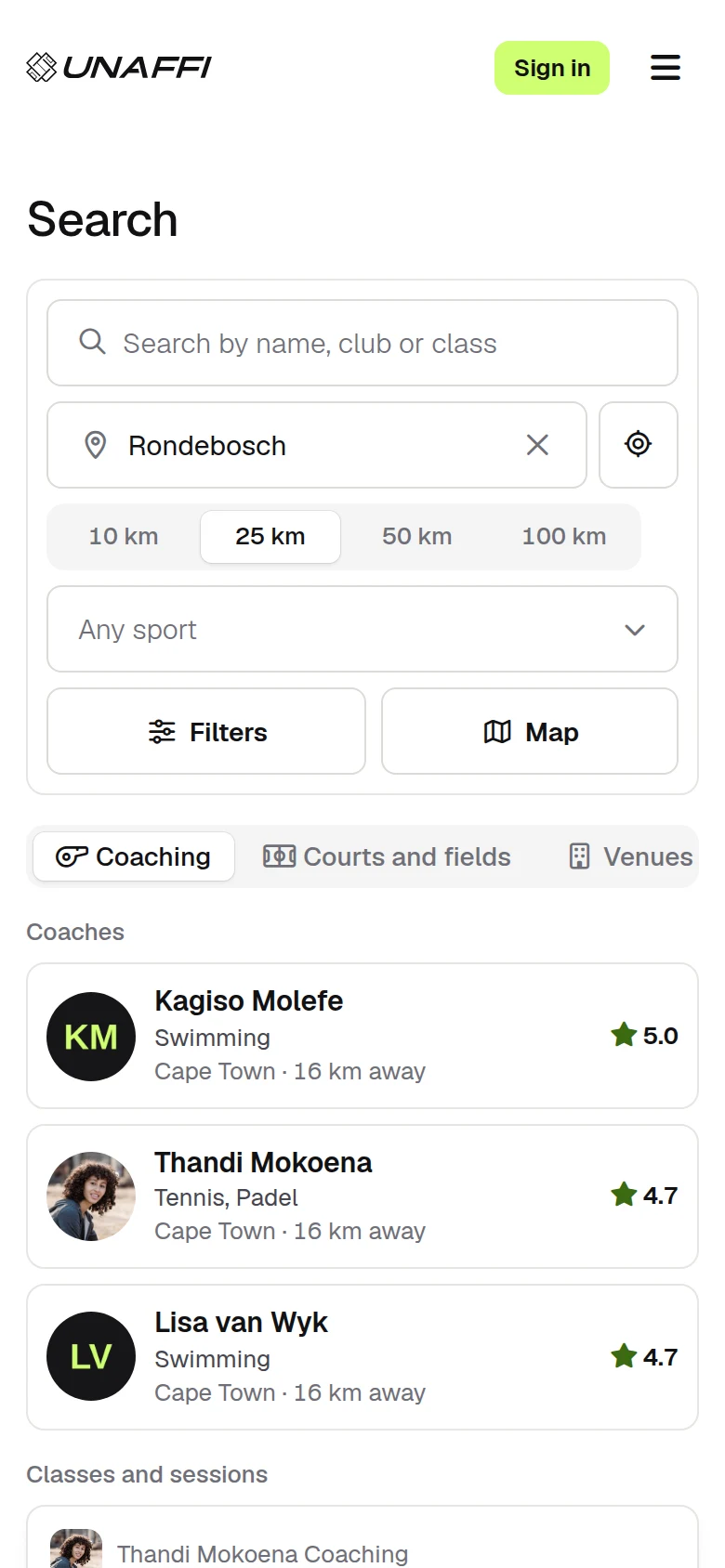
Open Search. Type your town or suburb, or tap Near me, and choose how far to look: 10, 25, 50 or 100 km. Pick a sport, or search by name, club or class. Then say what you're after:
- Coaching: coaches near you, with their sports, how far away they are and their rating, then classes and sessions to book.
- Courts and fields: tennis and padel courts, pool lanes, golf bays and pitches, hired by the hour.
- Venues for events: halls, fields and pools to hire for an occasion.
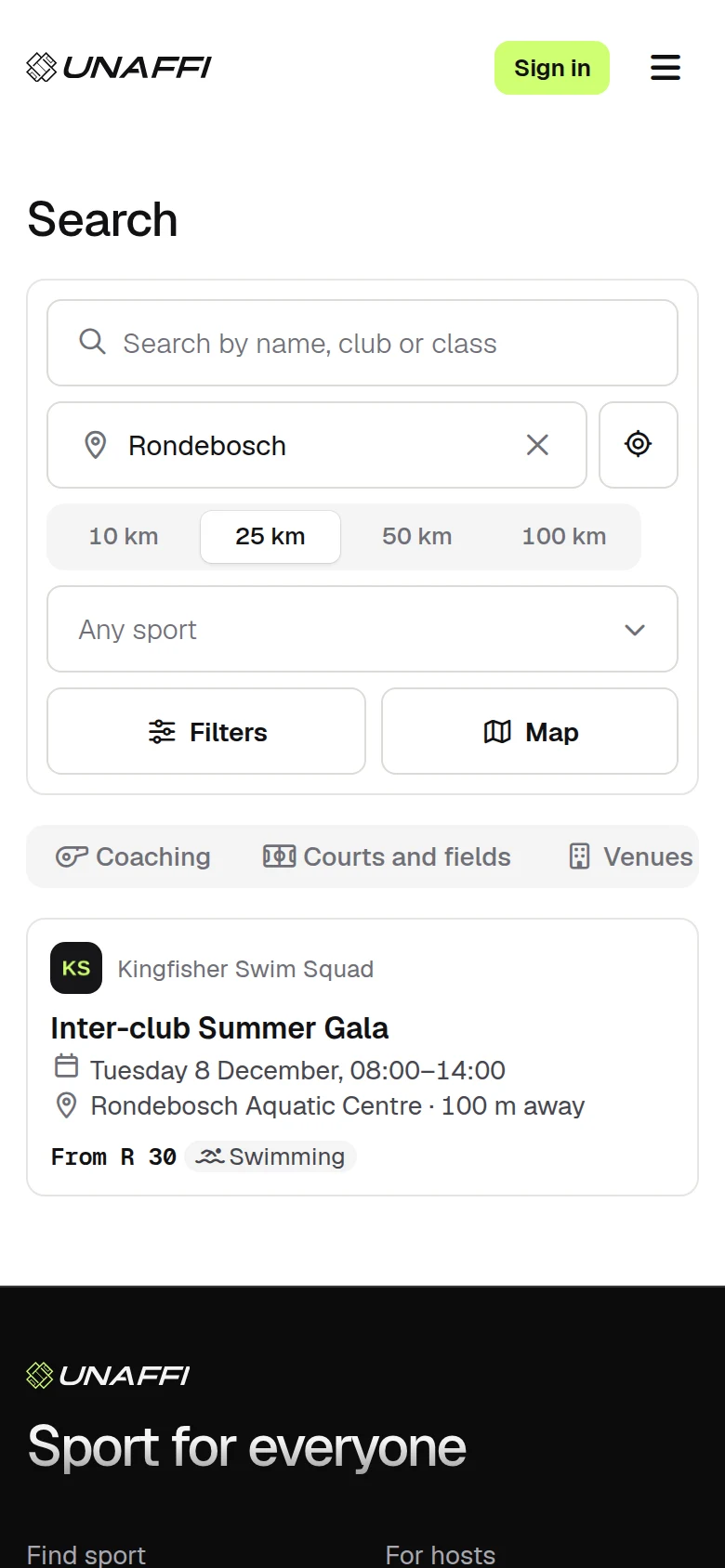
- Events: galas, races and tournaments to enter, or to buy a ticket for.
- Memberships: squads and clubs to join.
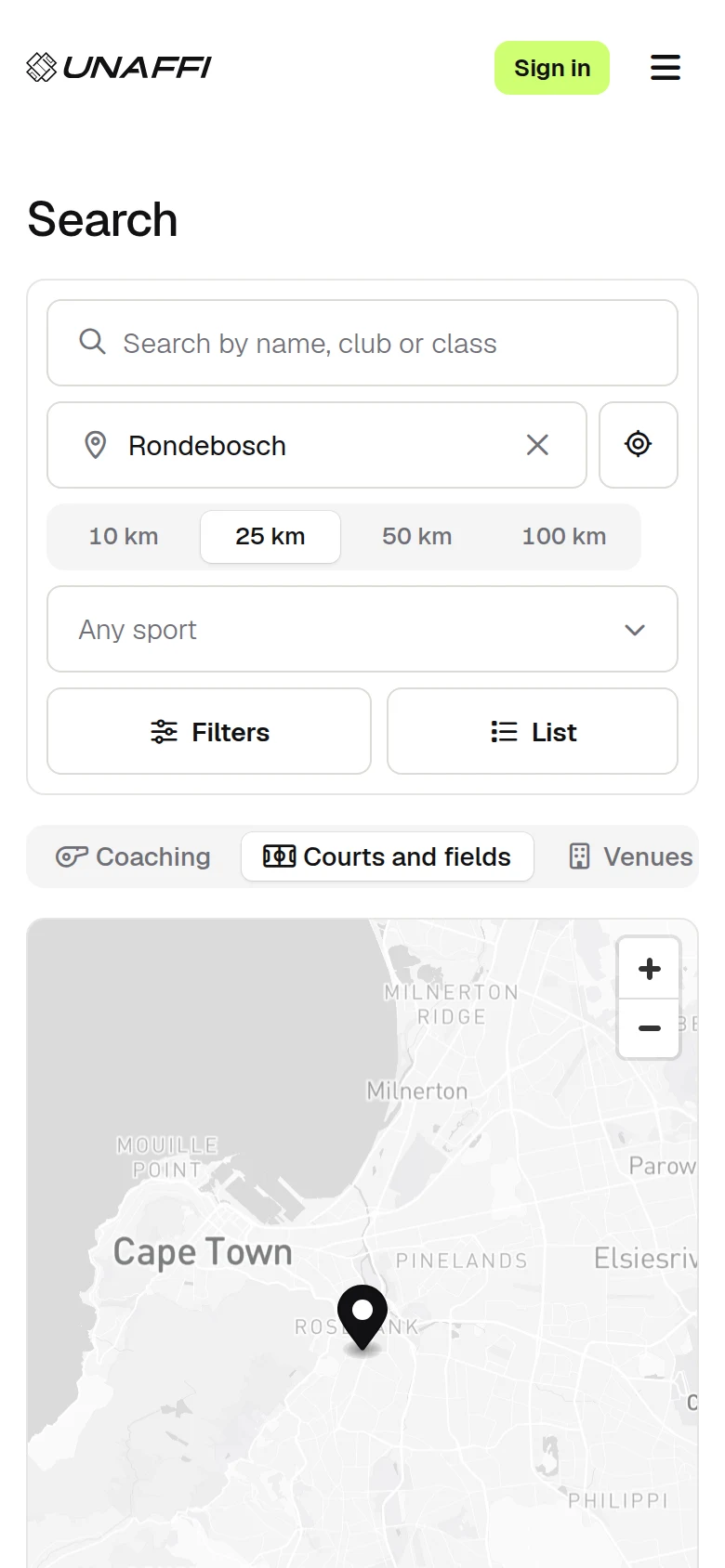
Filters narrow it to children or adults, or to free, and on Coaching and Events to today, this weekend or the next 7 days. Map shows the results as pins: move it and press Search this area. Coaches work in several places, so they stay in the list rather than on the map.
Your town is remembered on this device for next time. Near me asks for your location only when you tap it, and it's never put in the search's link. Each sport has a page for each big town too, like swimming in Cape Town.
2. Book and pay
Each result says when it's on, where and how far away, what it costs, and whether it's for children or adults. Open one to book it:
- A class or session: choose the day, add who's coming (you, another adult or your children), and pay. See how to book a session.
- A court or a field: choose a day and a time, and who's playing.
- An event: pick each person's entry or ticket.
- A membership: join and pay the first period. Your card then pays each one as it's due, and you can cancel at any time.
- A venue: it's on request, so ask its host for a quote. Accept one, and it's held for you until its pay-by day: pay it by card or EFT.
You pay by card through Paystack as you book, and your spots are held while you do. Something that says Needs a membership is for members: join first, then sign in to book.
Split the cost where it's offered: on a court, and on a class or a membership with open spots. Choose Pay my part to pay for yourself and anyone you add, then share your link: each friend takes a spot with their name and pays for it. What isn't paid in time comes off your card: by the start for a court, by the time booking closes for a class, and within 48 hours for a membership.
3. Your bookings, tickets and reminders
Booked signed out? The email has a link to see your booking, and making an account with the same address later brings it along. Signed in, it's all in one place:
- Schedule › Upcoming: your sessions, matches and events, and your children's. Sync to your calendar app puts them in Google Calendar, Apple Calendar or Outlook.
- Schedule › Bookings: what you booked, to see, cancel or pay. New booking finds the hosts you've used before.
- Schedule › Tickets: each person's QR code, to scan at the gate.
- Memberships: your next payment, the card that pays, and a way to cancel.
- Invoices: anything a host invoices you, to pay several at once.
When a host sends reminders before its sessions, they reach you as a notification on your phone or by email.
4. Nothing near you? Ask
When search comes up empty, ask instead. On Coaching, Ask coaches near you opens Find a coach: say what you need, and local coaches apply (see how to find a coach). On Courts and fields or Venues for events, Ask places near you opens Find a place to hire: say what it's for, when and for how many, and venues nearby send quotes.
Questions
Do I need an account?
Not to search or to book: give your names and email address as you book, and the email has a link to your booking. Make an account with the same address later, and what you booked comes with it.
How do I pay?
By card through Paystack, as you book. A membership keeps the card for its next payments. A venue’s quote, once you accept it, can be paid by card or EFT.
Can friends pay their own part?
Where it’s offered, yes: on a court, and on a class or membership with spots for friends. Choose Pay my part and share your link. What a friend hasn’t paid in time comes off your card.
Does Near me share where I am?
Your location is asked for only when you tap Near me, and only used to search. It’s never put in the search’s link, and it’s forgotten when you close the tab.
What if nothing near me comes up?
Ask instead. Find a coach sends what you need to coaches near you, who apply. Find a place to hire asks venues near you for quotes.